Team - Victor Ding, Rebecca Jin, Dakota Shao
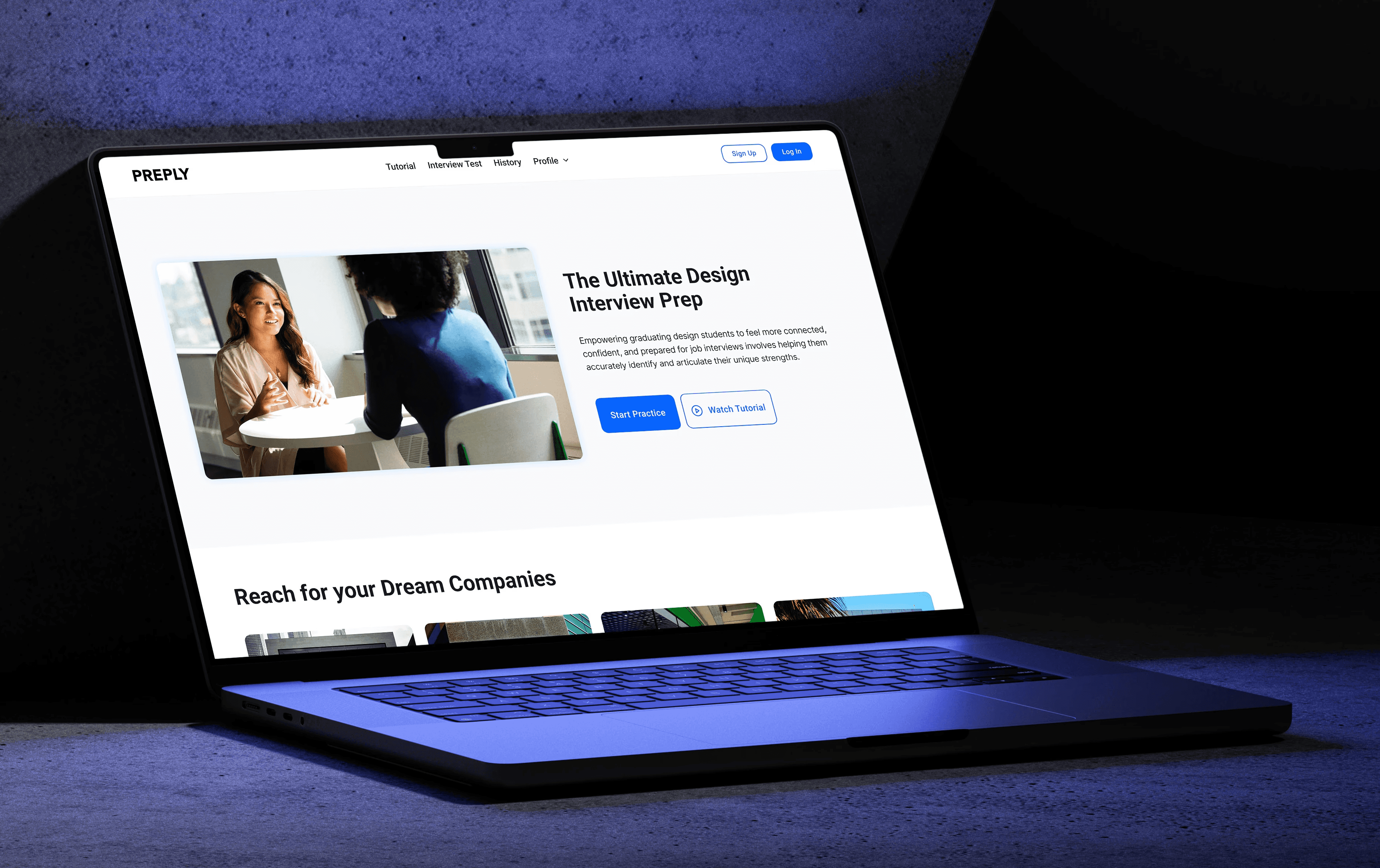
Preply
A design interview prep tool designed to empower design graduates to ace interviews with confidence and clarity.
My Role
I led research synthesis and interaction design, translating interview insights into opportunity framing, prototype flows, and iterative refinements based on user testing.
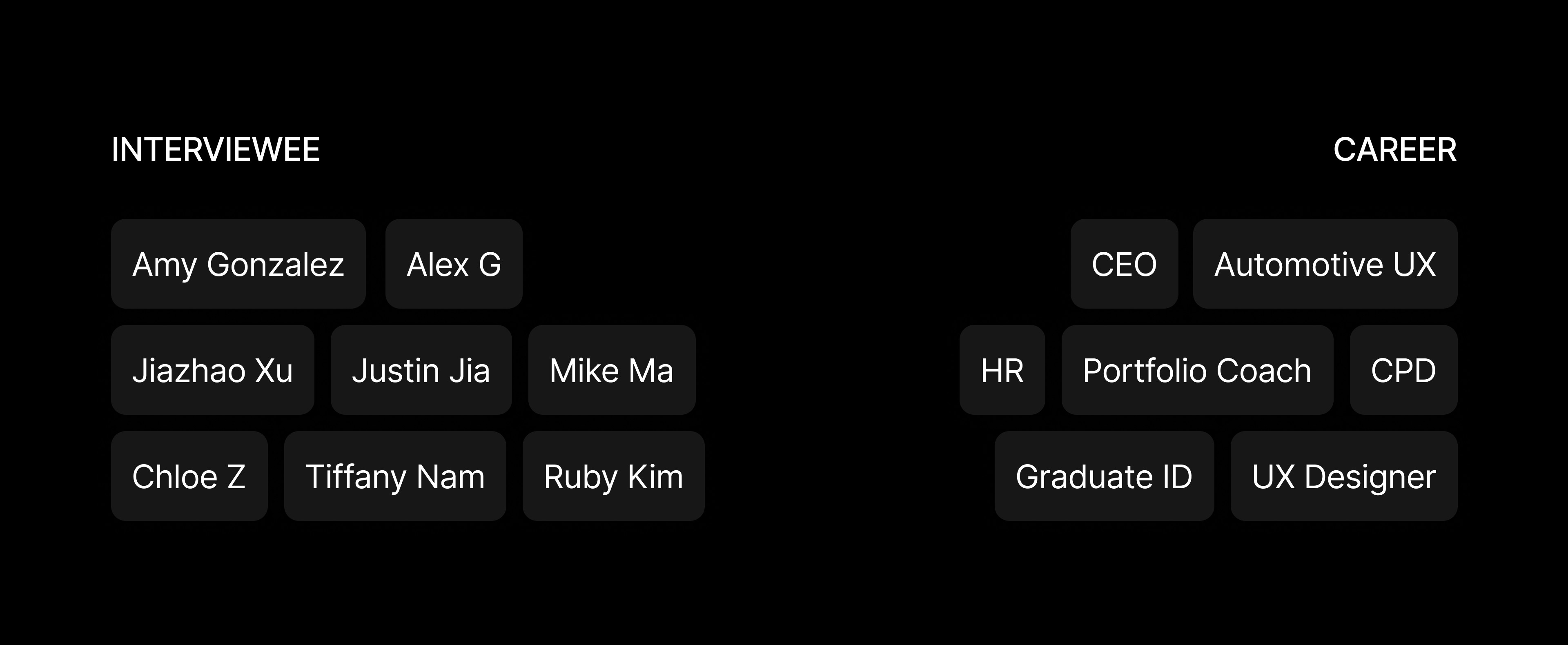
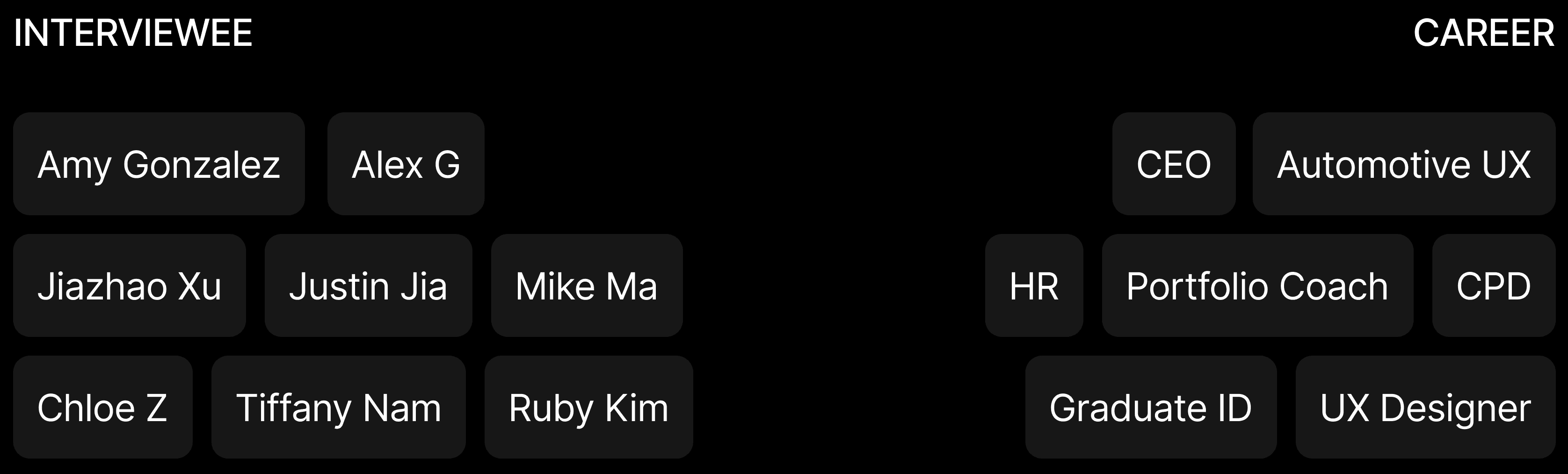
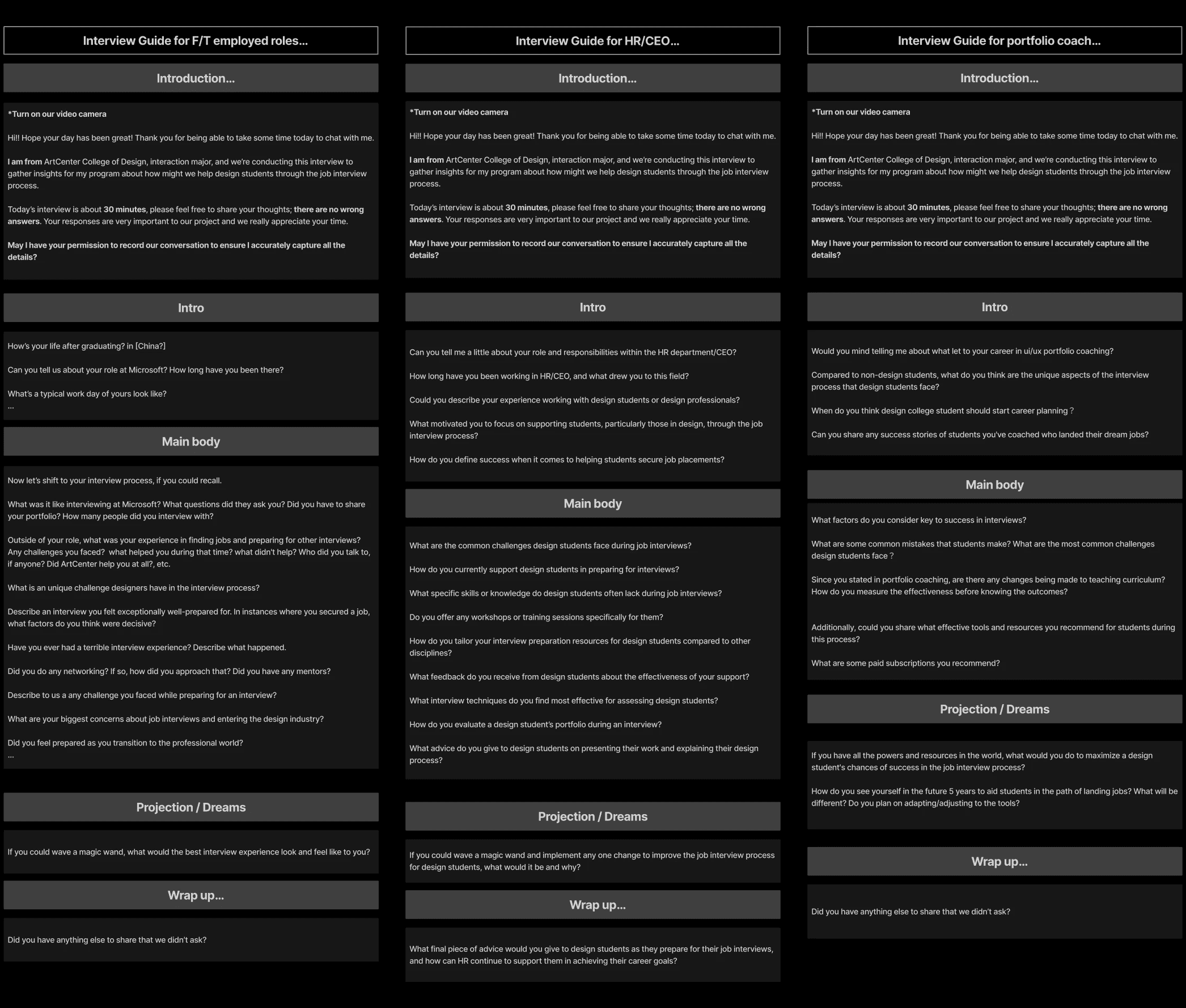
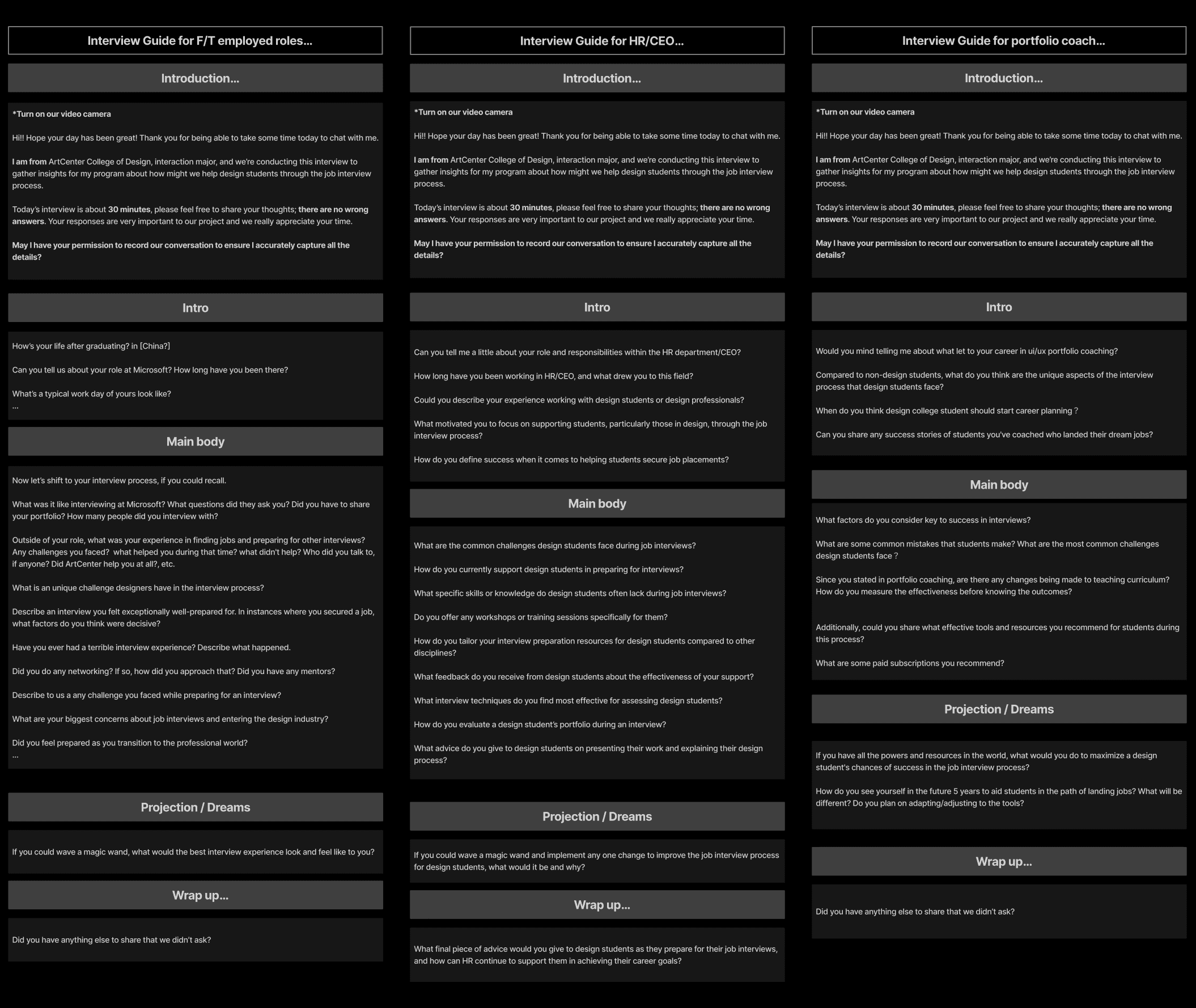
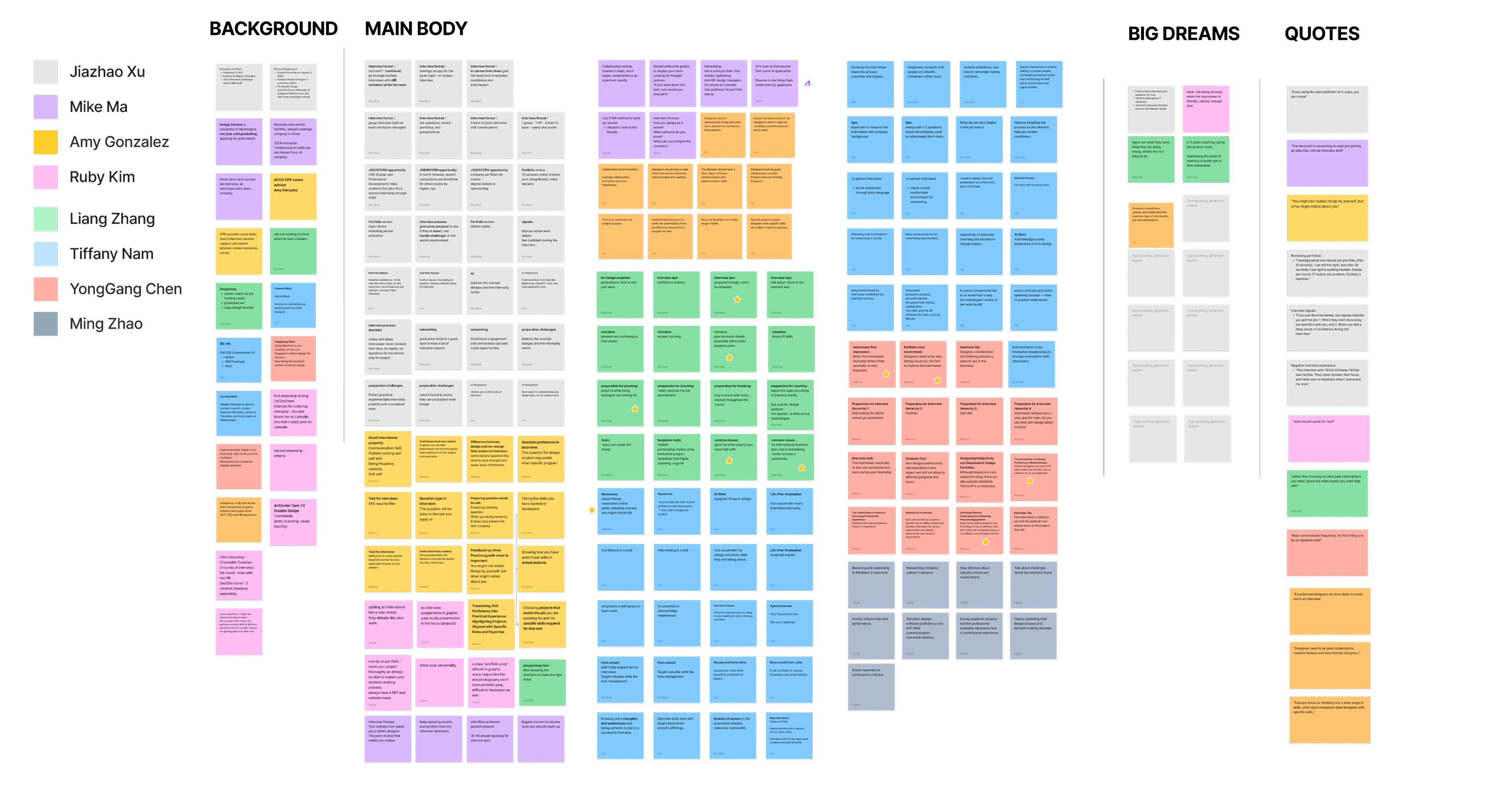
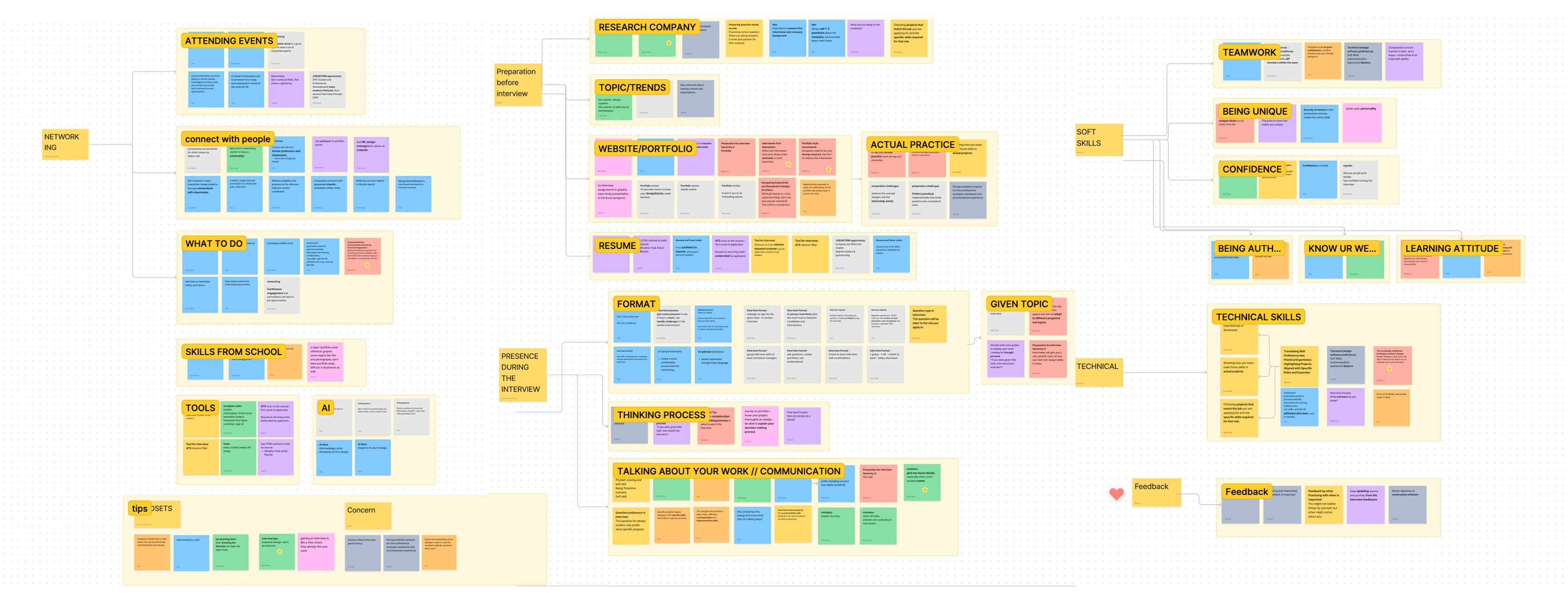
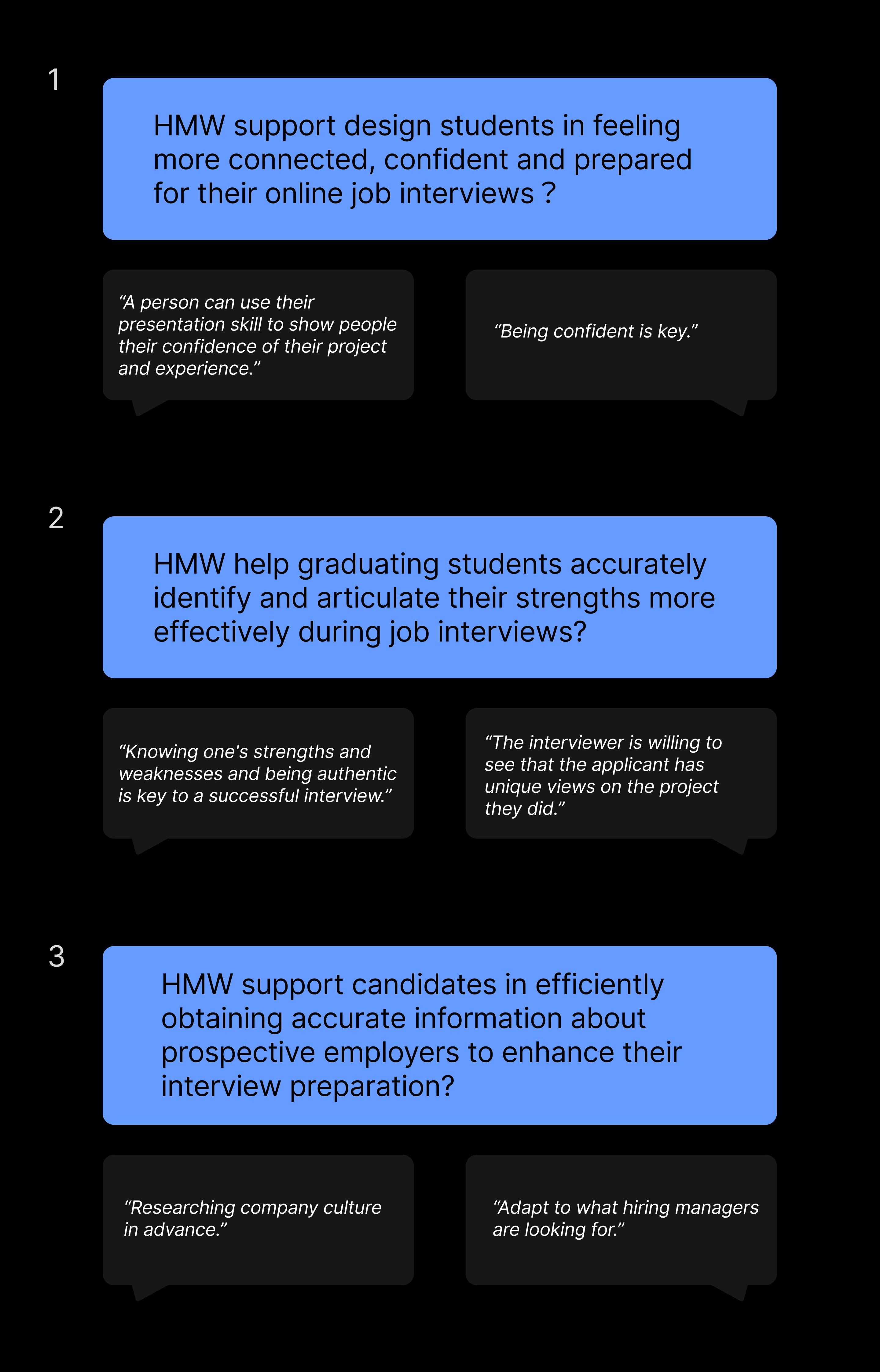
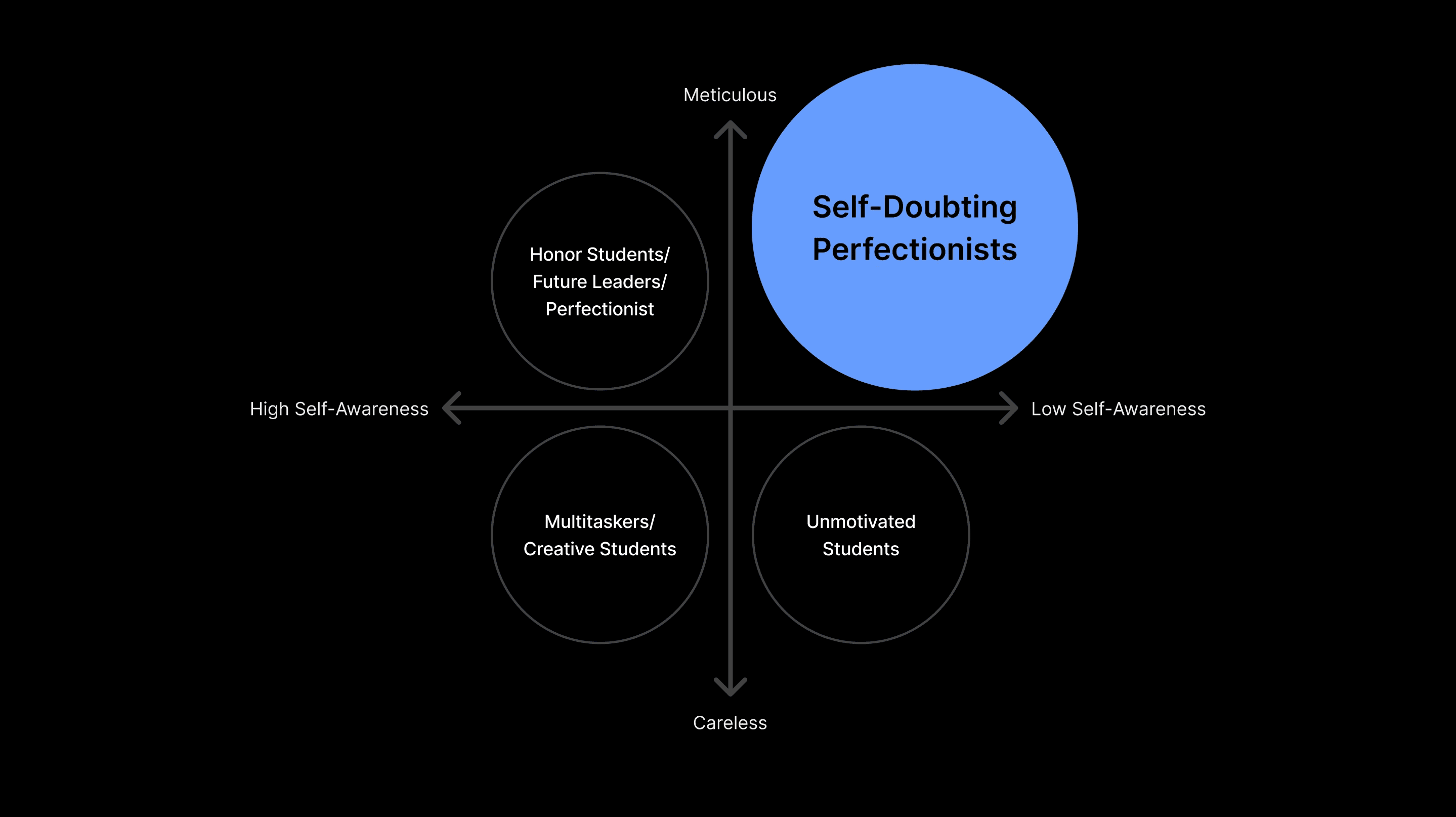
Using 2x2 persona segmentation matrix, we identifies self-doubting perfectionists as our primary user type.
Ideate
From there, we mapped their specific traits and challenges into design opportunities, which directly informed the key features of our solution.
Over Preperation
Structured Practice Modes
Hesitant Language
Mock Interviews with AI Language Feedback
Non-Verbal Cues
Video Replay and Non-Verbal Communication Tutorials
Over-Explain
Timed Practice and SMART Goal Setting
Low Self-Awareness
Portfolio Upload and Automated Strength Analysis
In this phase, we defined the prototype flow and recruited student participants with varying levels of experience to evaluate the design.
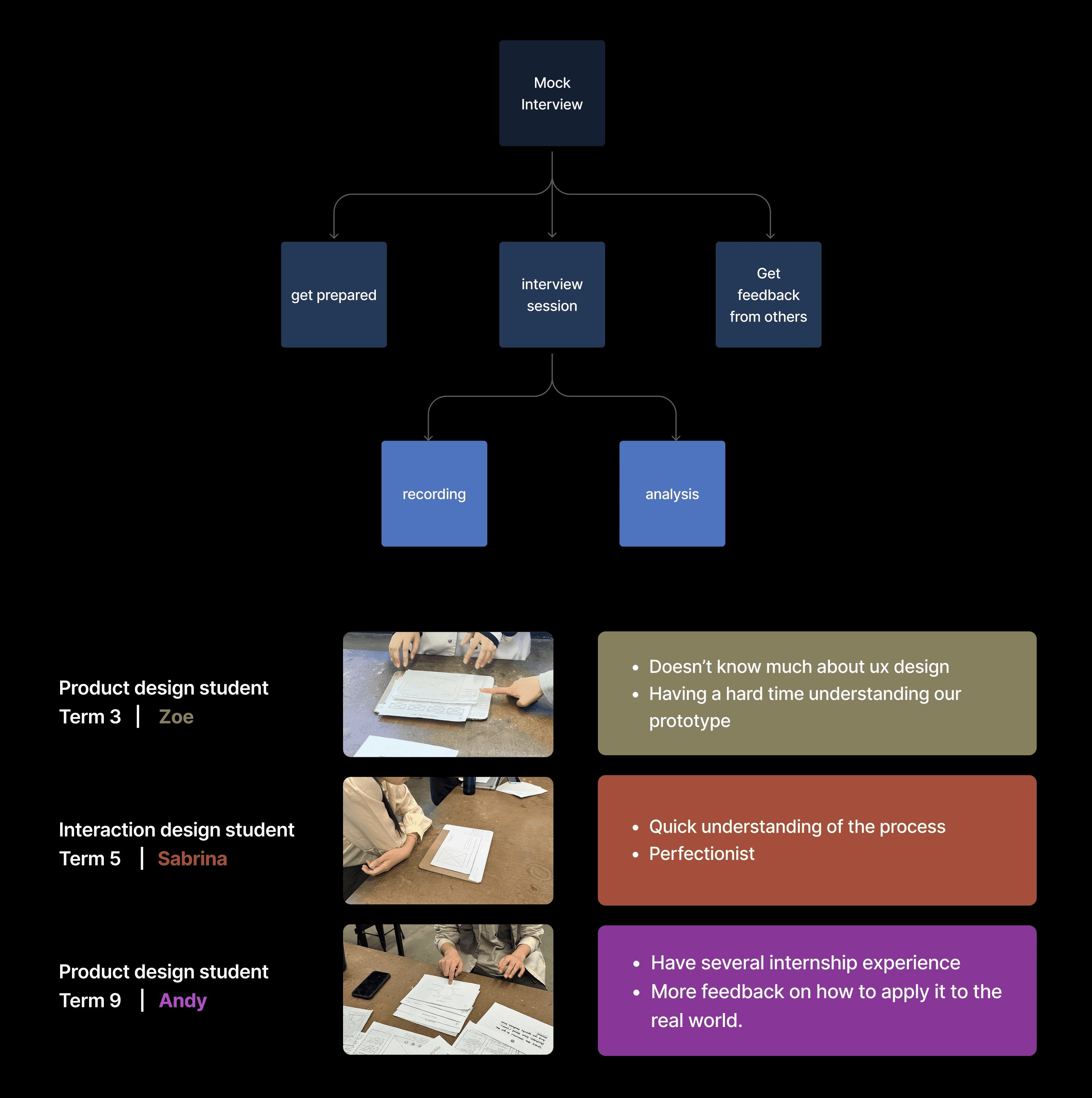
We focused on five testing objectives.
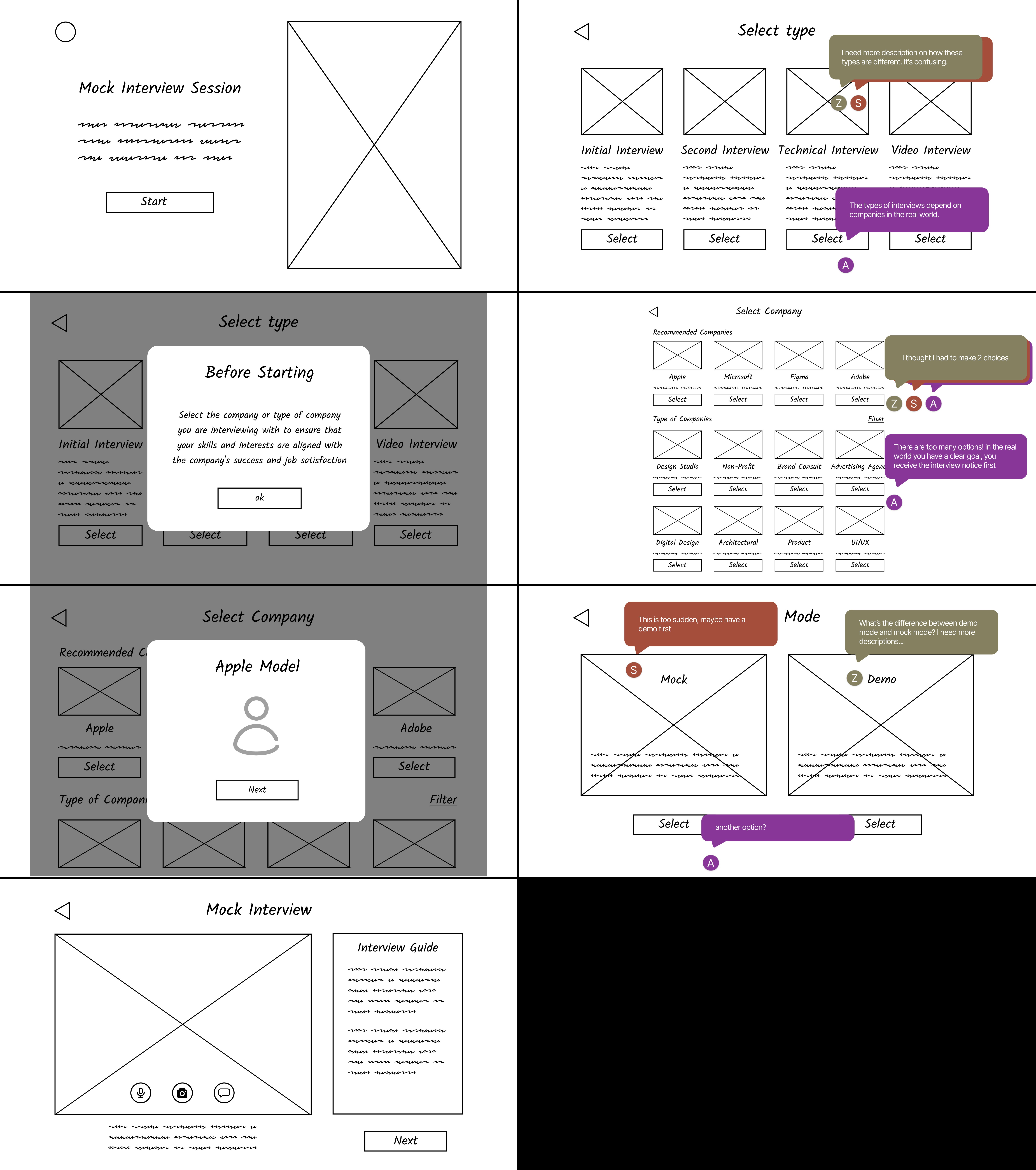
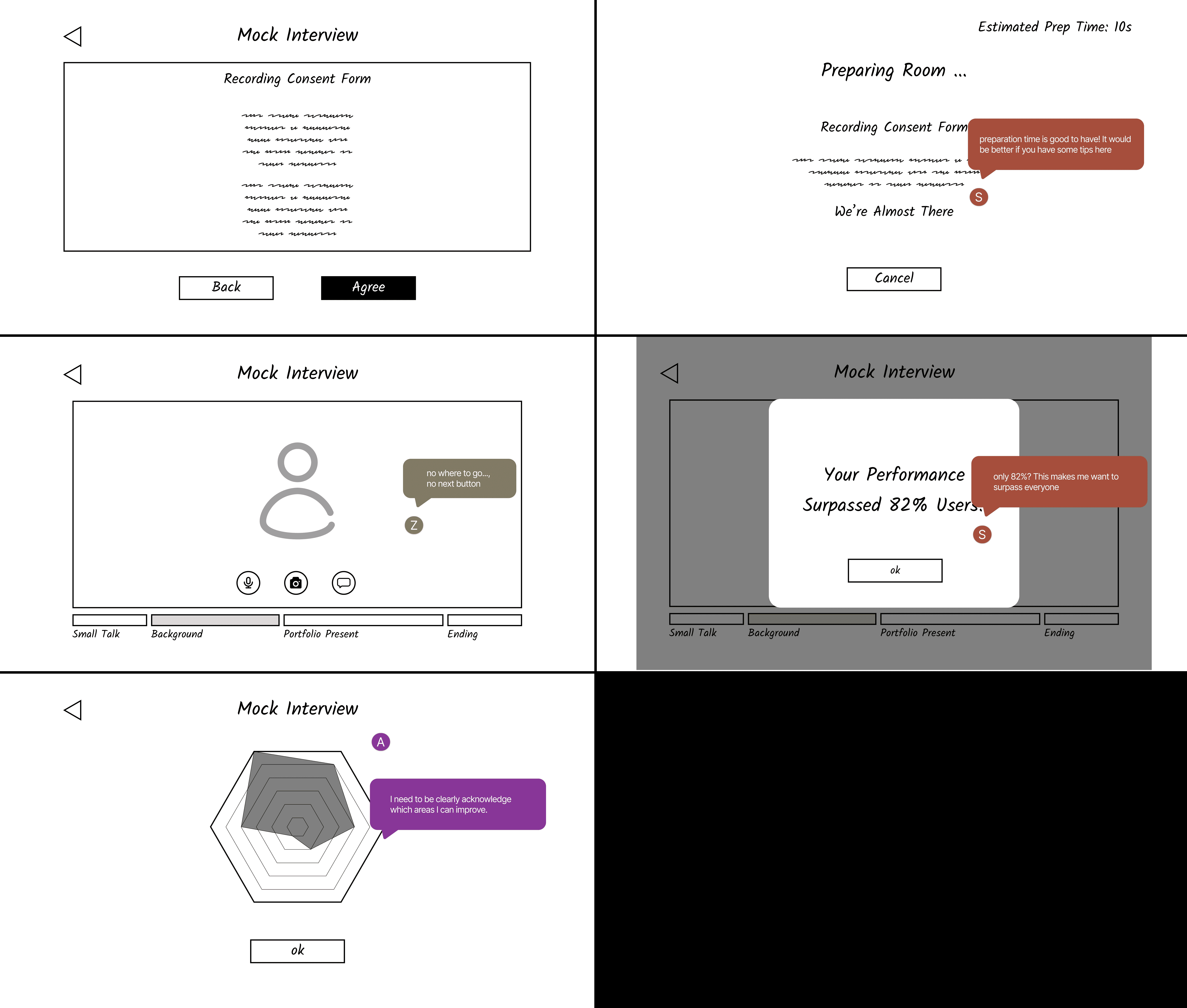
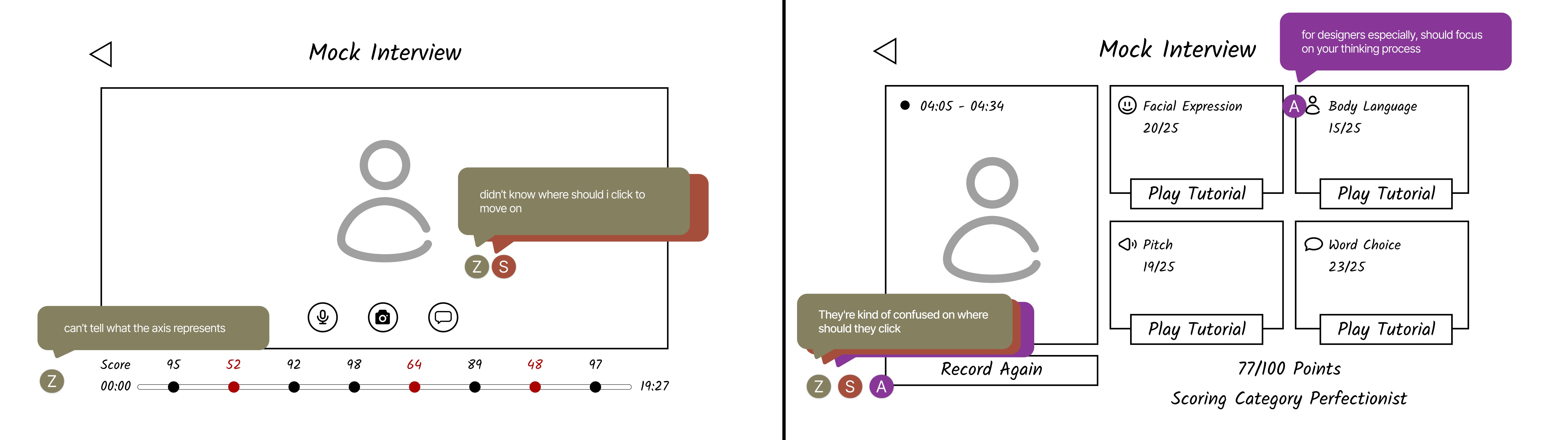
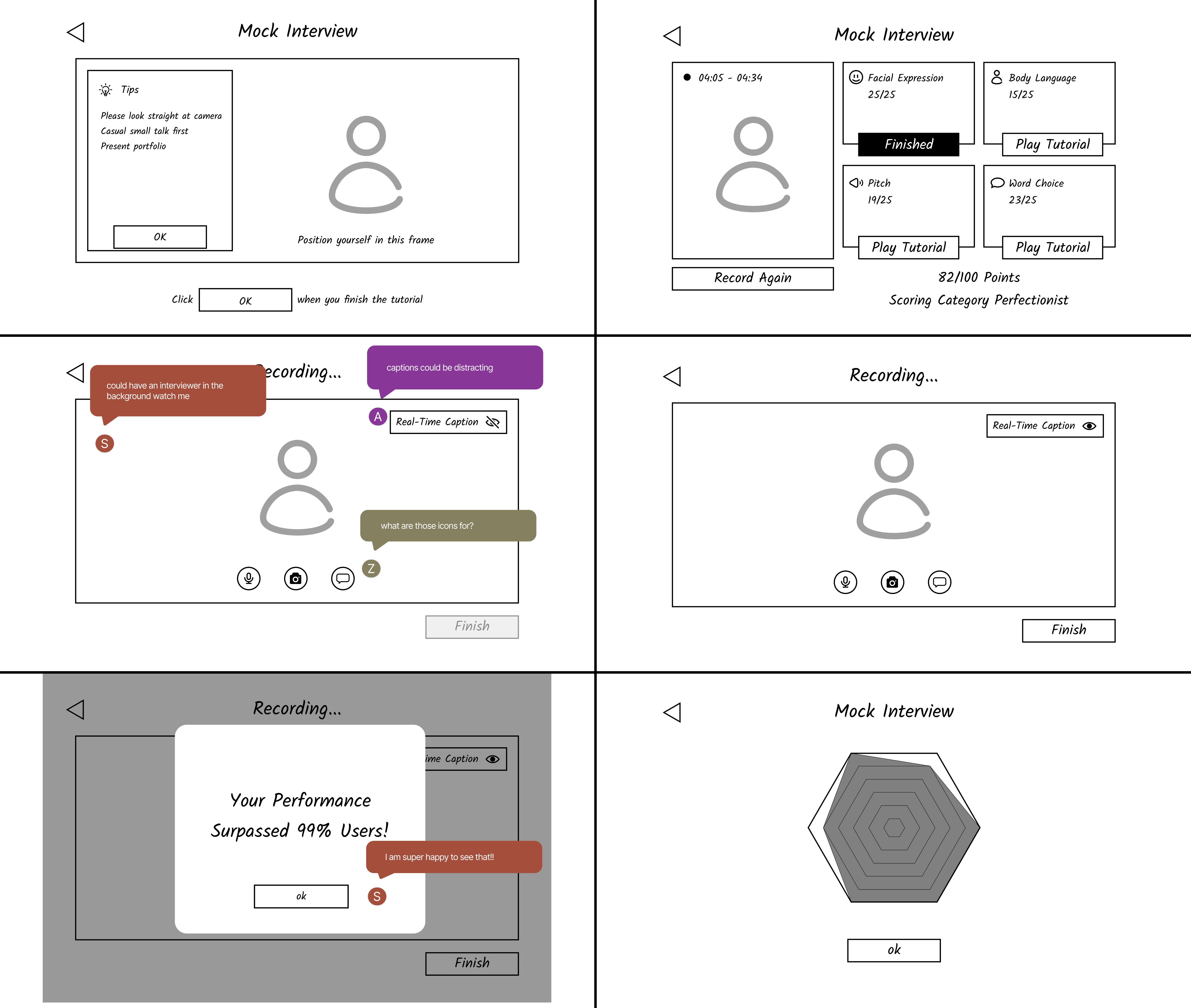
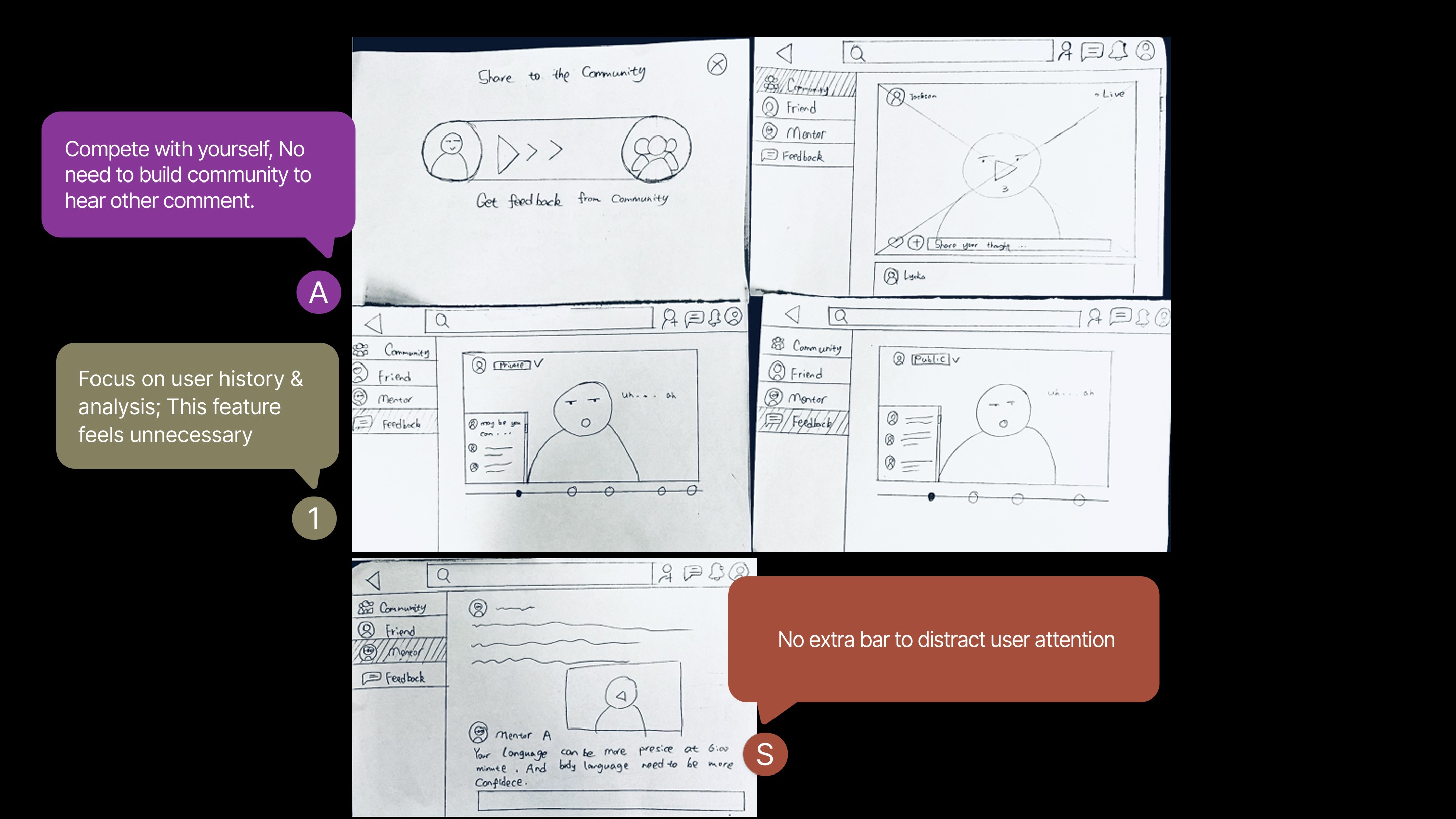
We synthesized user feedback into actionable refinement directions that informed the final design outcome.
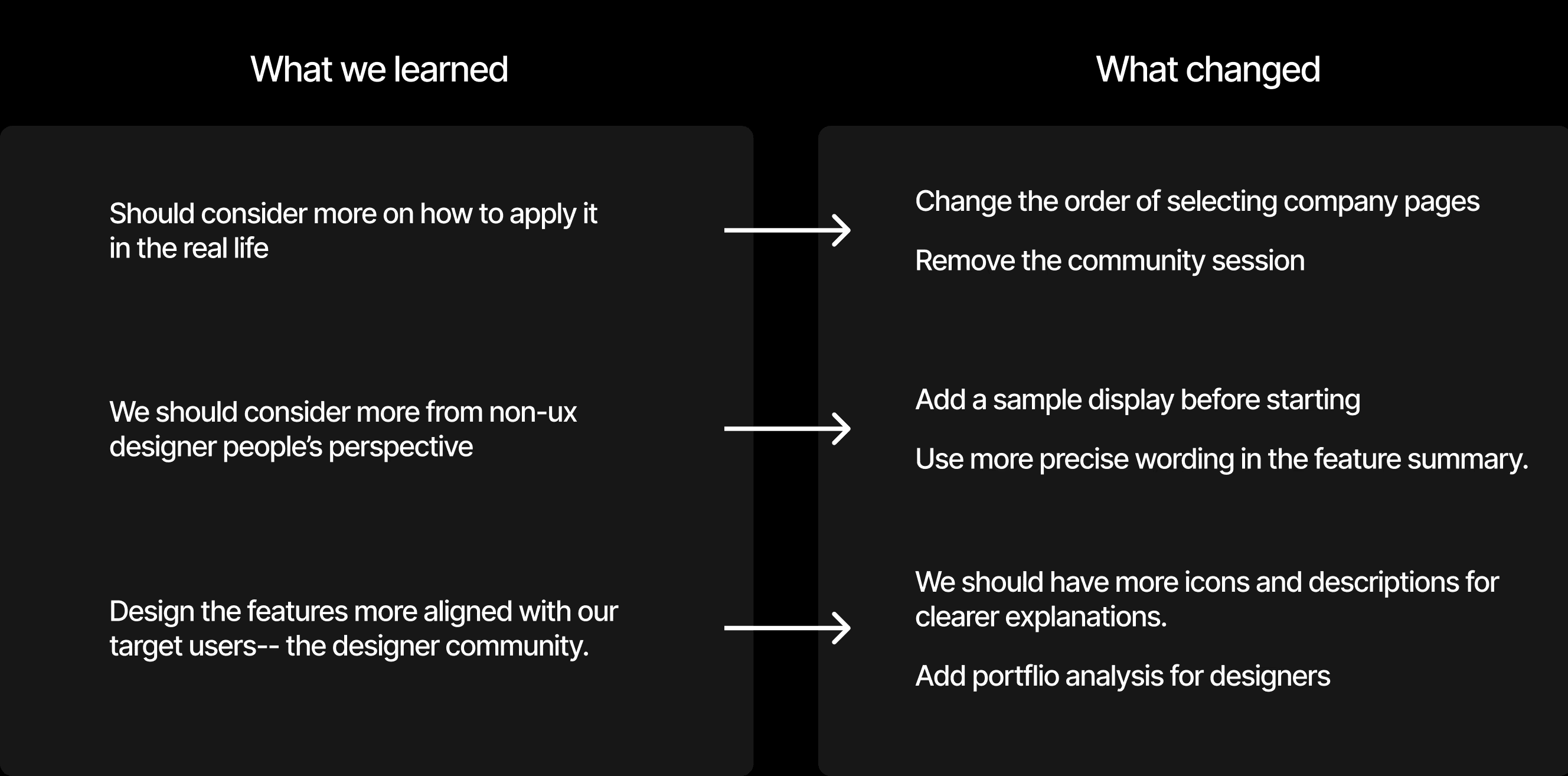
The home page acts as a personalized starting point, motivating students to begin their preparation journey while providing quick access to practice and company insights.
The demo tutorial lowers anxiety for first-time users by offering structured guidance, ensuring users feel supported as they learn key interview skills step by step.
By allowing students to choose interview types and connect their portfolio, the tool simulates realistic scenarios tailored to their needs.
Tips for Refinement
This flow helps students structure and rehearse their key points, ensuring they present their strengths clearly and concisely.
Mock Interview
The mock interview creates a realistic practice environment where students can rehearse, receive feedback, and build confidence before facing actual interviews.
Mock Interview
The re-record option gives students the chance to refine their answers, reducing anxiety by turning mistakes into opportunities for improvement.
• The importance of digging deeper in research — I learned that users’ real struggles aren’t always obvious. Many students were actually over-prepared yet under-confident, which shifted the direction of my design.
• How to translate insights into features — I practiced mapping user pain points directly into design opportunities, ensuring every feature served a clear purpose.
• Designing for emotion as well as function — I realized that building confidence and reducing anxiety can be just as impactful as creating efficient workflows.